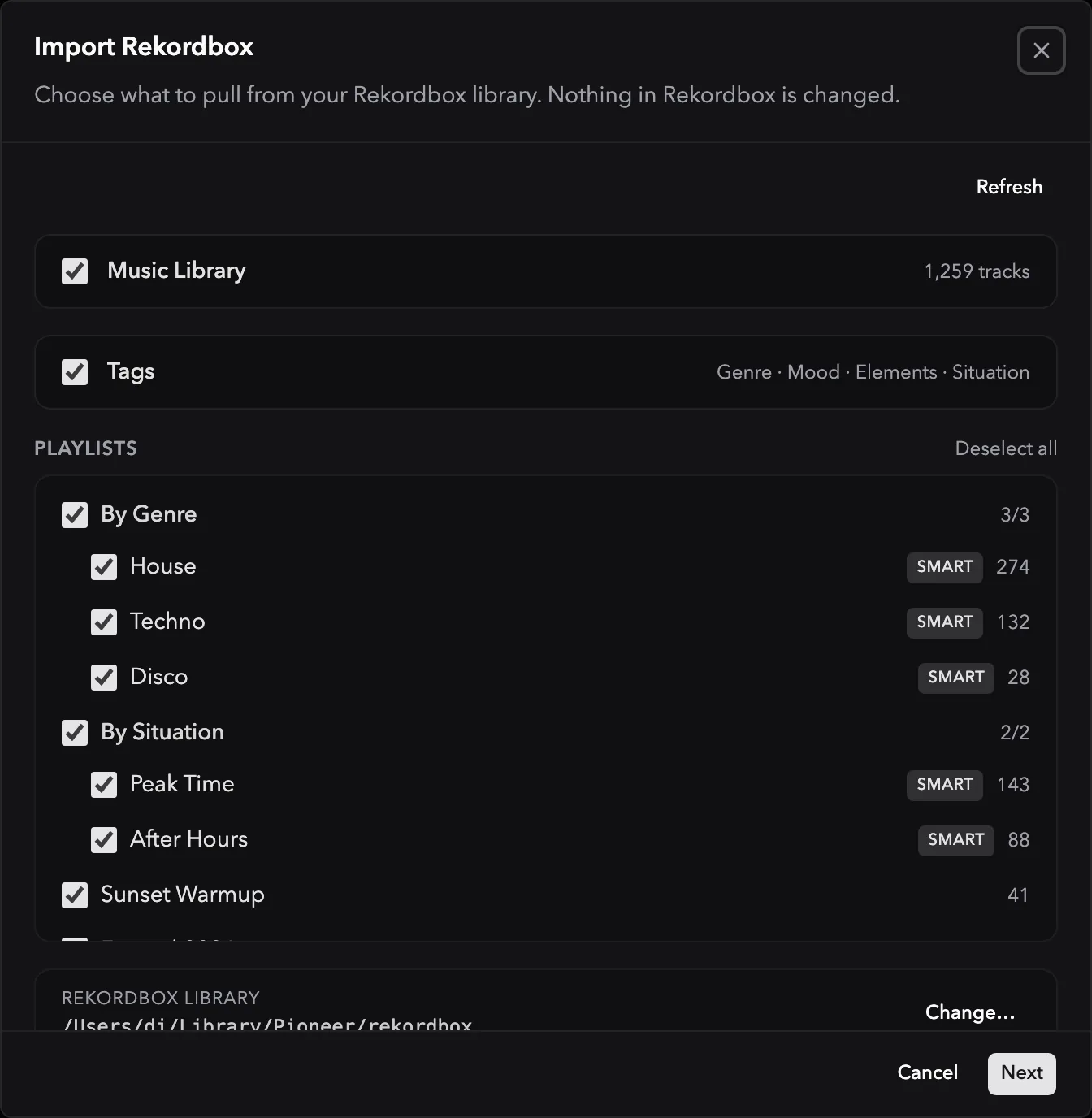
Direct library import
Read tracks, playlists, cues, and supported metadata from Rekordbox, Traktor, and Serato. Supported smart playlists and crates keep their rules. Others import as snapshots or are reported when their rules cannot be evaluated.

Import directly from Rekordbox, Traktor, and Serato. Connect Apple Music to bring in playable local songs and playlists. Export finished playlists in the format your next tool needs.




Read tracks, playlists, cues, and supported metadata from Rekordbox, Traktor, and Serato. Supported smart playlists and crates keep their rules. Others import as snapshots or are reported when their rules cannot be evaluated.
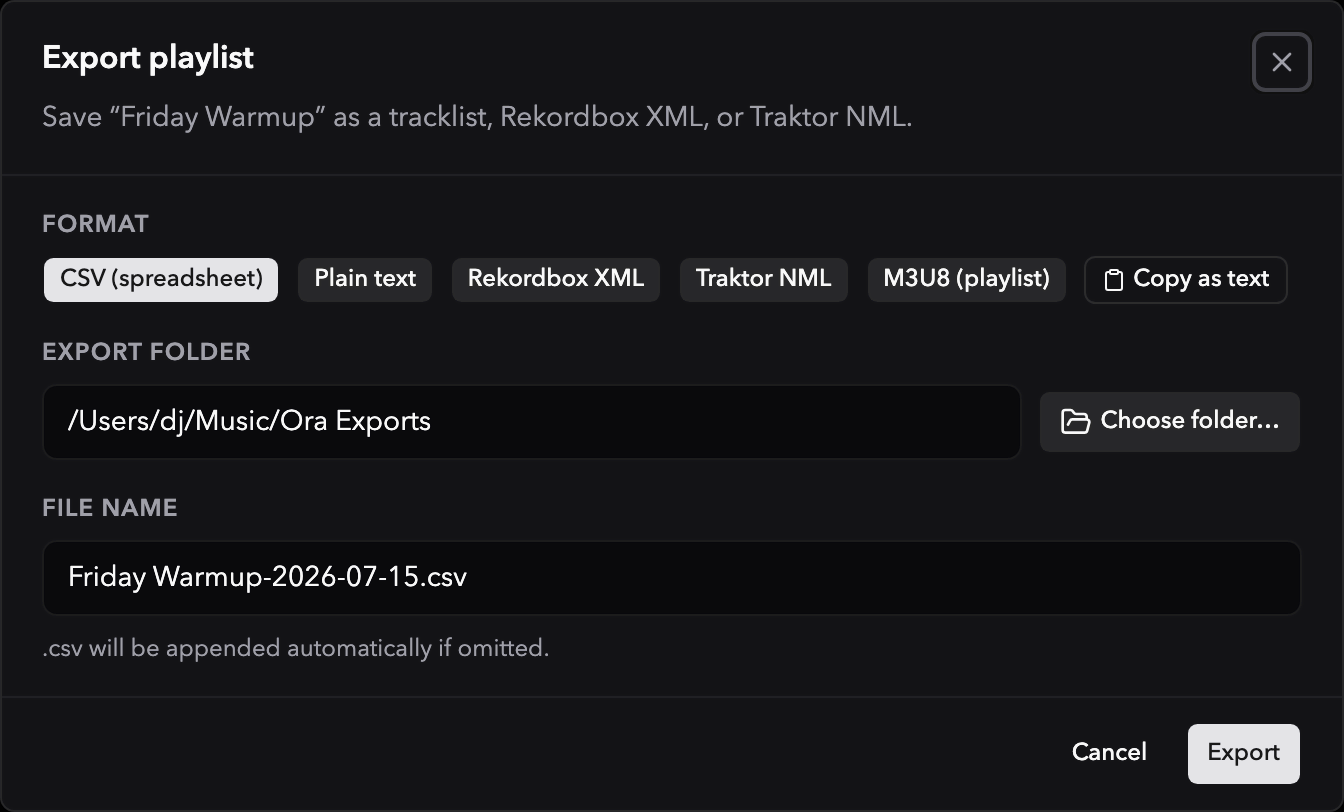
Export a playlist straight to a USB drive for CDJs, or save it as Rekordbox XML, Traktor NML, M3U8, CSV, or plain text.
Workflow fit
Ora DJ reads your source library without changing its database. Supported smart playlist and crate rules stay live after import. When a rule cannot be evaluated, Ora DJ shows whether that list becomes a snapshot or is skipped. Export a finished playlist straight to a USB for CDJs, or to your DJ software.
File organization, if you want it
Ora DJ can rename new files from their tags and move them into a folder tree you choose. Let it happen on arrival, or collect new tracks in an inbox and fix their tags first. Leave it off and your files stay exactly where they are.
Organize files on import
Off by default. Tracks already in your library keep their names and folders.
Filename format
Folder structure
New tracks
Downloaded as
karoon_waswas_orig_FINAL (1).mp3
Waiting in the inbox as
Karoon - Was Was (Original Mix).mp3
Ora Music/Electronica/2026
Fix the tags first, then import when you are ready.
Tag edits you make in Ora DJ can also be written back to your MP3, FLAC, AIFF, WAV, and M4A files. That is optional too.
Import from your DJ software, plan in Ora DJ, then export the playlist for the next step.