Connect Apple Music
Browse the local Music library on macOS and use its tracks in Ora DJ.
On macOS, connect the local Apple Music library to browse its playlists in Ora DJ. Tracks need a readable local audio file. Streaming-only tracks can appear in the source list but cannot play in Ora DJ.
- Open Settings > Library or start the first-run library setup.
- Select Connect Apple Music.
- Allow access if macOS asks.
- Open Apple Music in the sidebar.
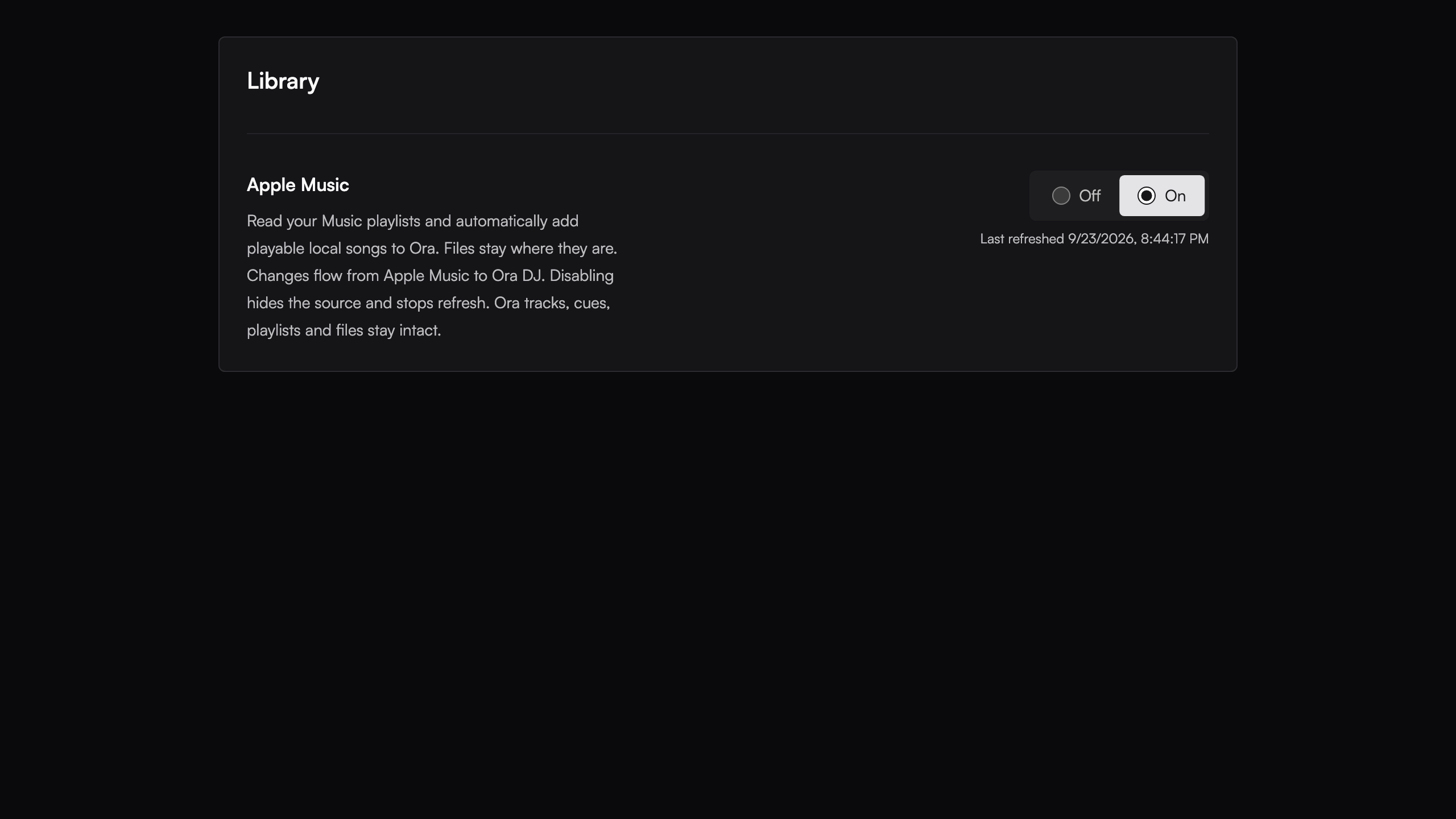
Apple Music playlists are read-only in Ora DJ. To make changes for a set, add tracks to an Ora DJ playlist. Ora DJ reuses tracks it already knows and keeps their cues and beatgrids.
Check the connection status in Settings if a refresh fails. Connect any drive that holds the missing files, then retry the refresh.
Importing tracks
Add a folder once. Drop in new tracks whenever they arrive and Ora DJ picks them up automatically, with a notification to act on the batch.
Moving and renaming files
Ora DJ reconnects renamed, moved, or relocated files to their existing track, keeping analysis, cues, playlists, and tags.